Which format to use for your family archive
Digitization is only the first step in saving your memories. The choice of file format determines whether your children and grandchildren will be able to open these files in twenty years or if they will face an obsolete and unreadable format. In this guide, we detail current standards to guarantee maximum quality and compatibility.
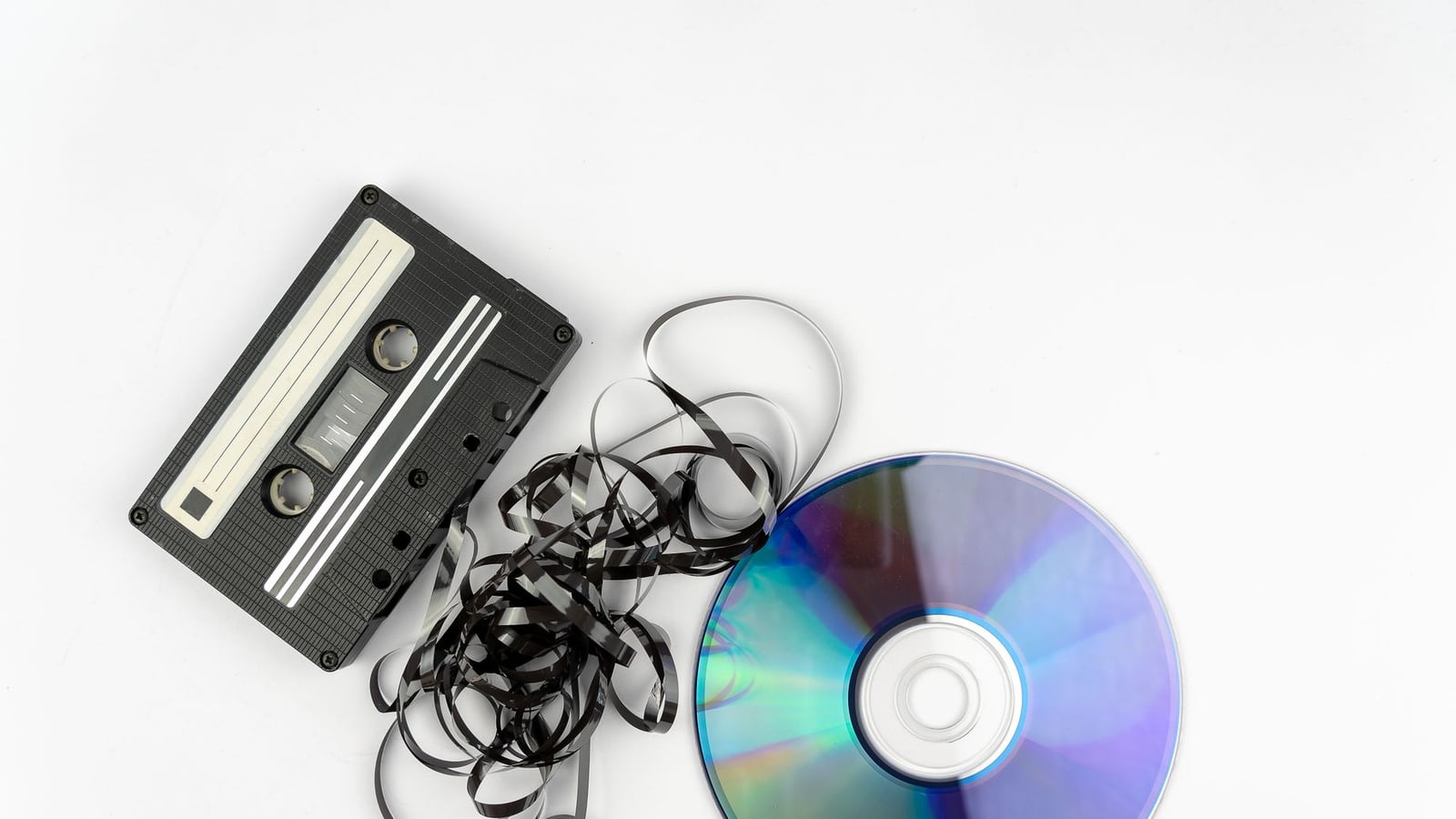
The difference between lossy and lossless formats
When we digitize an analog medium, such as an audio tape or a film, the sound and image are converted into binary data. This is where codecs come into play. "Lossless" formats save every bit of original information, while "lossy" formats remove data that the human ear or eye barely perceives in order to reduce the file size.
For a family archive, we always recommend obtaining a master copy in a lossless format and lighter versions for sharing via WhatsApp or social networks. At Stionhub, we follow this principle of file hierarchy so that the client has total control over their audiovisual heritage.
Recommended audio formats: WAV vs MP3
If you have requested audio digitization, you will encounter two main options. The WAV format is the industry standard; it is an uncompressed file that maintains the total fidelity of the original recording. It is ideal for archiving and future sound restoration.
On the other hand, MP3 is extremely practical. It allows for the storage of thousands of songs or recordings in a minimum space. However, every time a file is compressed, quality is lost. Our recommendation is to keep the original file in WAV and generate MP3 copies only for daily consumption on mobile devices.
Video standards: The dominance of MP4 (H.264)
In the field of video, the MP4 format with the H.264 codec is currently the universal standard. It is compatible with practically any modern television, computer, or smartphone. It offers an exceptional balance between visual quality and file size, allowing family videos to look sharp without occupying terabytes of space.
For those seeking professional quality or planning to perform a cinematic edit of their memories, heavier formats such as ProRes exist, although for the vast majority of families in Málaga and across Spain, MP4 is the most sensible and durable option.
Photographs and slides: TIFF and JPEG
When we scan negatives or slides at high resolution (up to 6400 dpi), the volume of data is massive. The TIFF format is preferred for conservation, as it does not compress the image and allows for the editing of colors and contrasts without degrading the photo.
JPEG, while common, introduces compression artifacts if saved repeatedly. To print a photo in large format or restore a blurred face, a TIFF file is indispensable. For sending a photo by email, JPEG is sufficient.
| Media Type | Master Format (Archive) | Usage Format (Sharing) | Main Advantage |
|---|---|---|---|
| Audio (Tapes/Reels) | WAV | MP3 | Sonic Fidelity |
| Video (VHS/Hi8) | MP4 (High Bitrate) | MP4 (Compressed) | Total Compatibility |
| Photos/Slides | TIFF | JPEG | Maximum Resolution |
Physical media: Where to store the files?
Having the correct format is useless if the physical medium fails. In Málaga, the humid climate can affect certain electronic components if they are not stored correctly. We recommend the 3-2-1 rule: three backup copies, on two different media, and one of them in a different physical location (outside the home).
External hard drives (HDD) and USB flash drives are practical, but they have a limited lifespan. The Cloud is the safest option against fire or theft, although it requires a monthly subscription. A combination of an external hard drive and a cloud copy is the most robust strategy for a family archive.
Checklist for organizing your archive
Name files with date and event (e.g., 1985_Wedding_Parents.mp4) instead of generic names.
Create hierarchical folders by decade or by family member.
Verify file integrity once a year by opening random samples.
Update physical media every 5-7 years to avoid magnetic degradation.
How to start preservation today
If you still have your tapes in boxes stored in the attic or basement, time is working against you. Analog media degrades chemically. Before deciding on a format, it is essential that the material is in optimal condition to be read. You can consult our guide on how to prepare your tapes to avoid errors during the process.
At Stionhub, we take care of delivering your files in the formats that best suit your needs, ensuring that the transition from the analog world to the digital one is invisible and perfect.
Important note: The images used in this guide are illustrative. The final quality of the digitization depends strictly on the state of conservation of the original medium.